Key takeaways
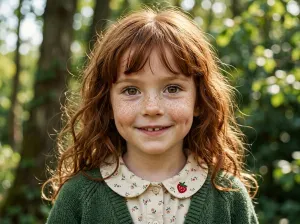
- Front-facing, eyes to the camera, lit by a window, face filling a good part of the frame.
- Recent: children's faces change fast, so use a photo from the last few weeks.
- Two or three photos from slightly different angles give a closer likeness than one.
- Avoid sunglasses, hats, face paint, filters and group shots where the face is small.
If a personalised book doesn’t look much like the child, the photo is usually the reason. The illustration can only work with what it’s given, and a lovely photo for the family album (sunset behind them, face in half-shadow, big grin with eyes screwed shut) is often a poor one for this.
You don’t need a good camera. You need the right conditions, and they take about two minutes to set up.
The two-minute photo
Sit your child facing a window on a bright day. Crouch down so the phone is at their eye level, about an arm’s length away. Say something silly, take five or six shots, and pick the one where their eyes are open and their face is relaxed. That’s it.
Nine things that make the difference
1. Face the camera. Front-on, eyes towards the lens. A slight angle is fine; a profile isn’t.
2. Window light. Soft daylight from the front. Midday sun makes them squint and throws hard shadows; a dim room gives blur; flash flattens the face.
3. Get close. The face should fill a good chunk of the frame. A sharp photo taken across the playground still only gives a few hundred pixels of face.
4. Make it recent. A photo from six months ago can already look younger than your child does now.
5. Keep the face clear. No sunglasses, low hats, hair clips across the forehead, dummies or face paint. Glasses they always wear are fine, since they’re part of how they look.
6. No filters. Beauty filters and heavy portrait blur change skin tone and features. Use the original.
7. A natural expression. A relaxed face or ordinary smile. Pulled faces are funny but hard to draw.
8. Upload two or three. One photo works, but two or three from slightly different angles give the drawing more to go on.
9. One person per photo. If a sibling or grandparent is in the book, add them as their own character with their own photo.
At a glance
| Works well | Works less well |
|---|---|
| Front-facing, eyes to camera | Profile, looking down |
| Window light | Harsh sun, dark room, flash |
| Face fills the frame | Small face in a big scene |
| This month | Last year |
| Nothing covering the face | Sunglasses, hat, face paint |
| Original photo | Filters |
What the photo turns into
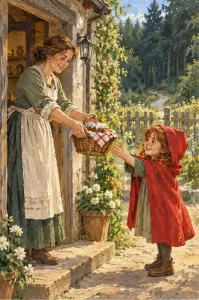
This is the photo used for the public sample books on I Am In The Story, and the first page of the Little Red Riding Hood book made from it. The photo itself was generated by AI, deliberately, so no real child’s face is on a public page, but it follows every rule above: front-on, even light, close, nothing covering the face.
A privacy note
A plain background, no school uniform, nothing that shows where you live. The illustration only needs the face. And check what the service does with it afterwards: our privacy checklist has the questions. On I Am In The Story a photo uploaded for one book is deleted as soon as the book is ready.
With the photo sorted, the rest takes a few minutes, or you can go straight to choosing a story.
Frequently asked questions
How many photos should I upload?
One clear photo works. Two or three front-facing photos usually give a better likeness. I Am In The Story accepts up to four.
Can I use a photo with other people in it?
Crop tightly to your child's face, or better, use a photo of them alone. If you want others in the book, add them separately with their own photos.
Which file types work?
JPG, PNG, WebP and HEIC, so photos straight from an iPhone or Android phone are fine.
Pick a fairy tale, add your child
Classic stories children already know by name — each one retold with your child on every page.
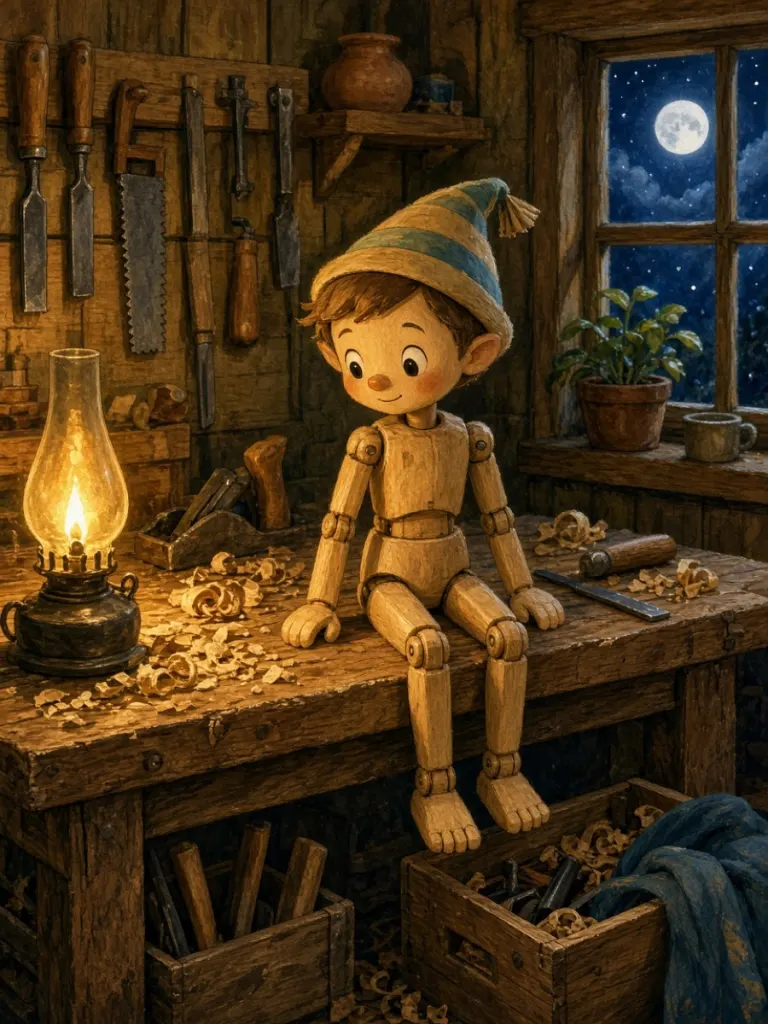
Pinocchio
A wooden friend learning to tell the truth
Make this book with your child →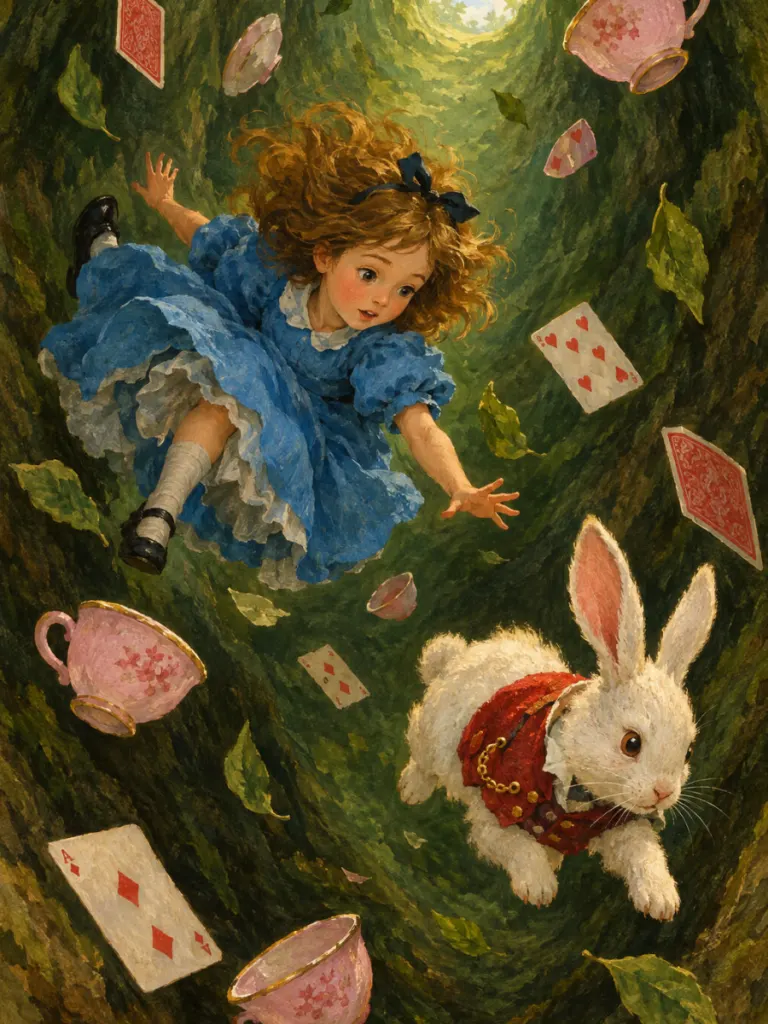
Alice in Wonderland
Down the rabbit hole and curiouser by the page
Make this book with your child →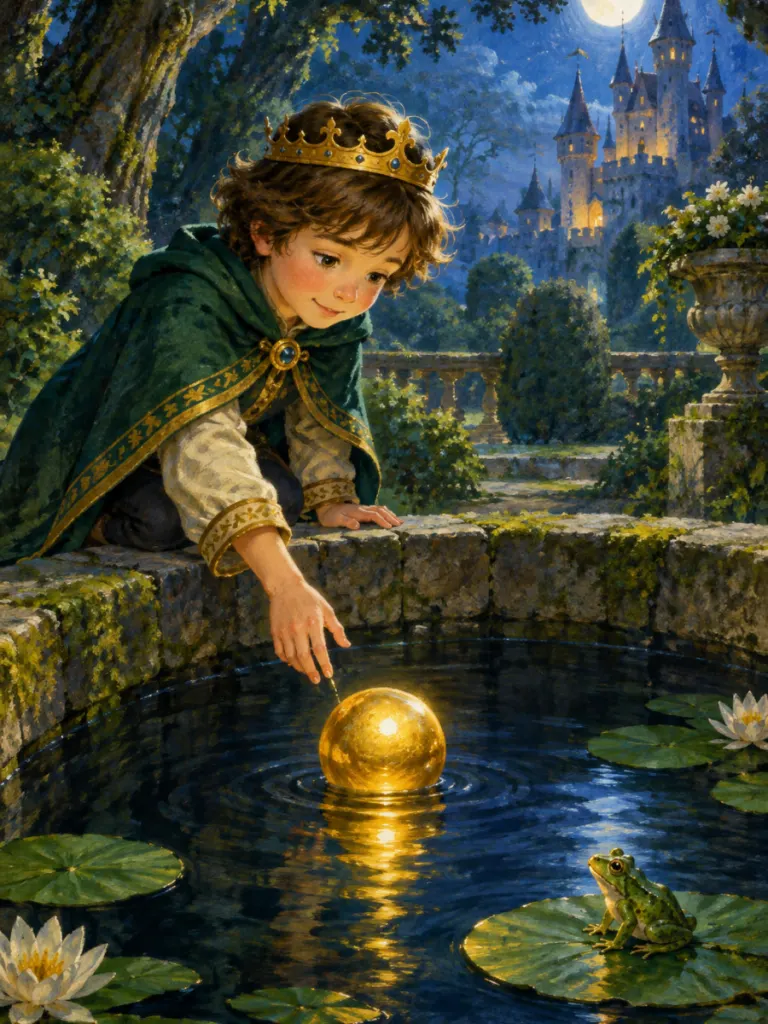
Can I Meet the Frog Prince?
A golden ball, a promise and a surprising friend
Make this book with your child →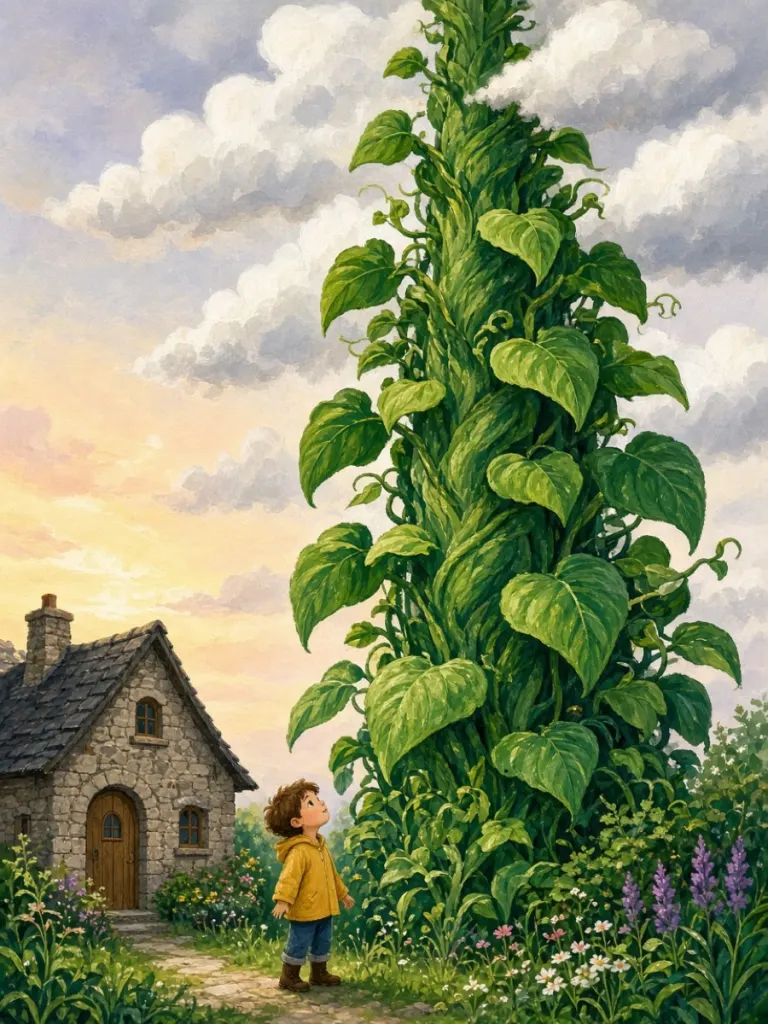
Jack and the Beanstalk
A vine that grows past the clouds
Make this book with your child →