Key takeaways
- You need one clear, front-facing photo of your child; two or three give a closer likeness.
- You pick the story, the child's age, the length, the language and the look of the pictures.
- Every page is then drawn for your book by an AI image model, which is why it takes minutes rather than weeks.
- The thing to check in the result is consistency: the same child, in the same clothes, on every page.
Open one of the sample books made from a single photo and the surprising part isn’t that the pictures look like the child. It’s that the story has been rewritten around her: the text uses her name, her mother hands her the basket at the door, and the red cloak is hers on every page.
This is what actually happens between your phone’s camera roll and that finished book. We use our own service, I Am In The Story, as the example because we know exactly how it works.
1. Choosing a story
You have three routes:
- a classic tale from the library (there are twenty, from Cinderella to The Nutcracker),
- a few sentences of your own (“Mia and her grandad build a rocket in the garden and fly to the moon for tea”),
- or a story another family wrote and chose to publish.
For a first book, pick a tale your child already knows. They will spend the whole time spotting themselves instead of trying to follow a new plot.
2. Adding the photo
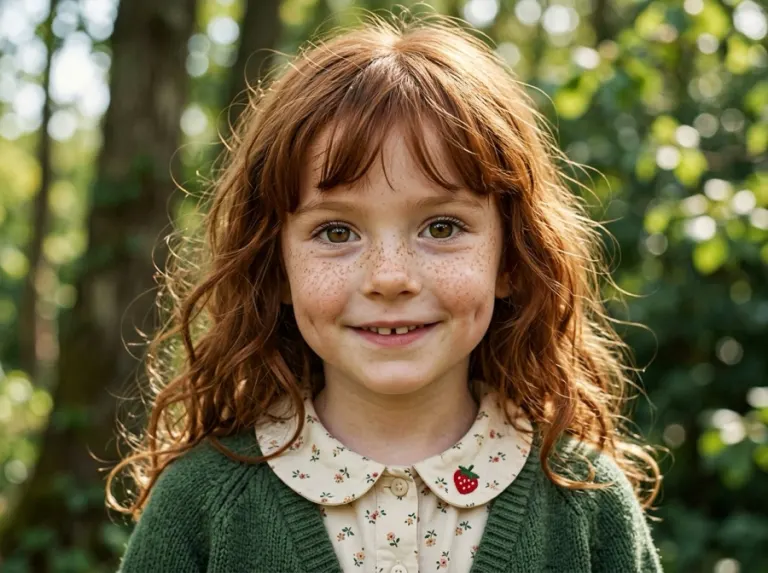
One clear photo of the face is enough. Two or three are better, taken from slightly different angles. Face the child towards a window, get close enough that the face fills a good part of the frame, and skip sunglasses, hats and filters. There are more pointers in our photo guide.
3. Deciding who else is in it
A book can hold up to three people. One or two of them are heroes; the others join the adventure. In the classic tales some people get named parts: a grandmother can be the fairy godmother in Cinderella, a grandad can be the godfather who brings the gift in The Nutcracker. Anyone else you add simply appears as themselves.
4. The settings that change the book
- Age. You tell it how old the child is, and the text is pitched accordingly. Shorter, simpler sentences for a three-year-old, a bit more adventure for a seven-year-old.
- Length. From six pages upwards. The price is per page, so short books are cheap.
- Language. The story can be written in a different language from the site you’re on, which bilingual families use a lot.
- Picture style. An illustrated child, your real-looking child in a drawn world, or fully photo-real pages. Then a look (classic storybook, watercolour, pencil, gouache, cartoon) and how strongly it’s applied. Our styles guide shows them side by side.
5. The drawing
Each page is illustrated individually for this book. It isn’t a face pasted onto a stock picture: the scene the text describes is drawn with your child in it, in your chosen style. A short book takes a few minutes; longer ones take a little more. You can close the tab and come back, and it carries on where it left off.
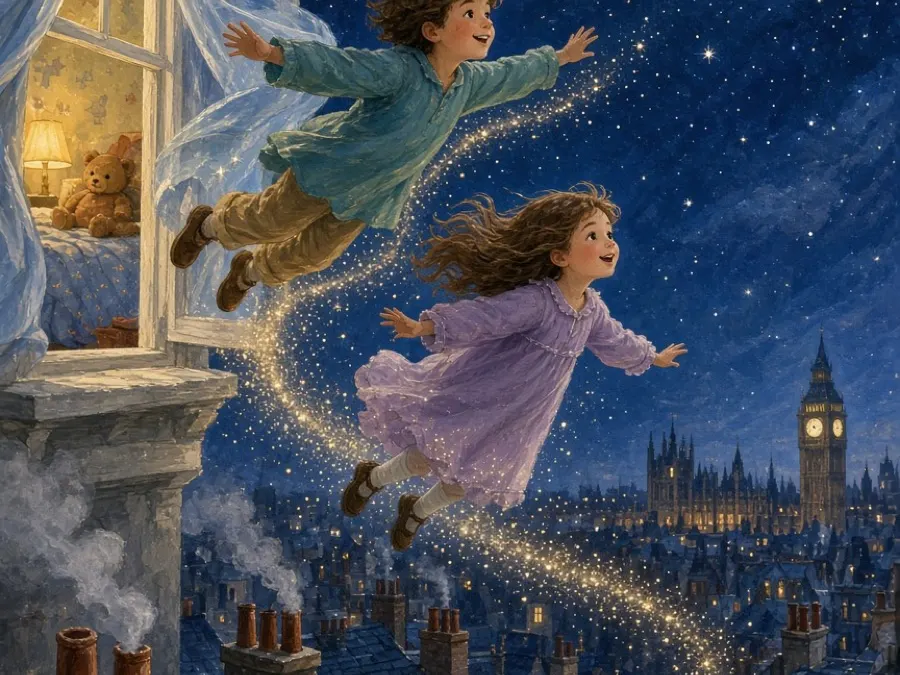
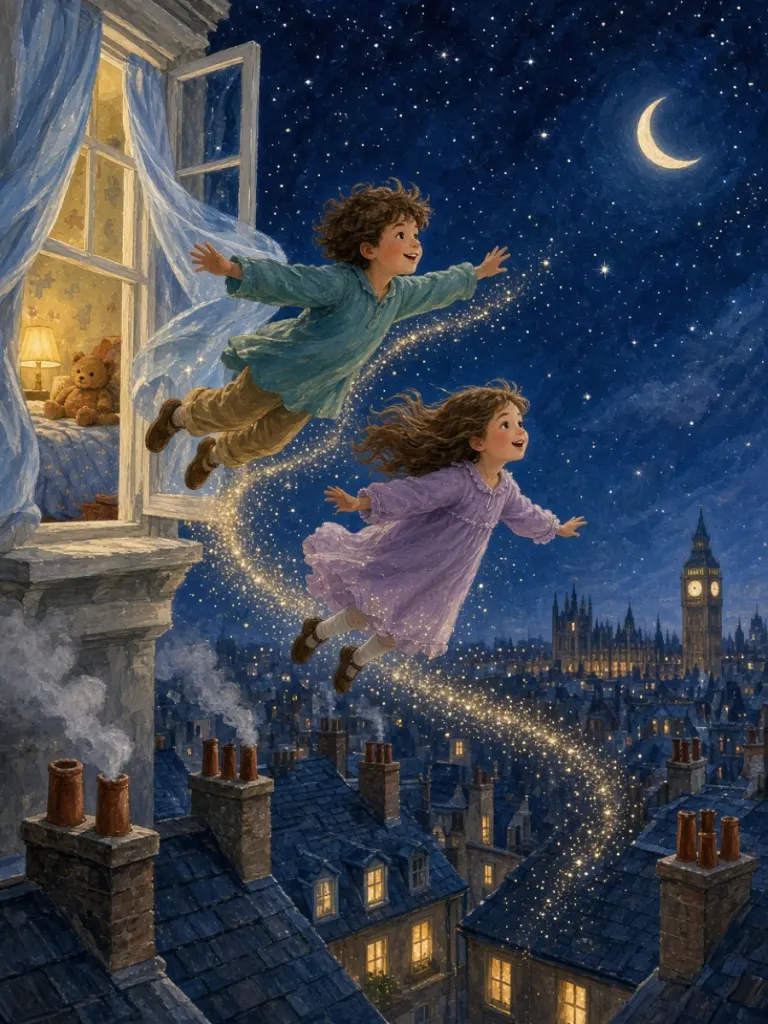
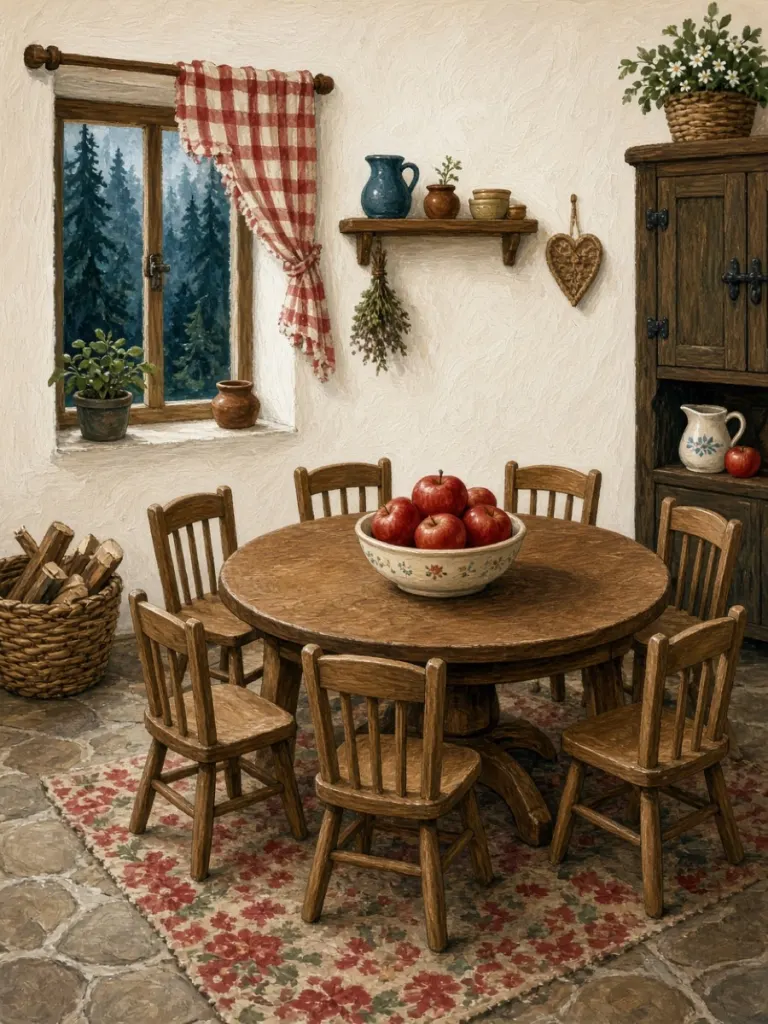
Here are three pages from the Peter Pan sample, made from the photo above:
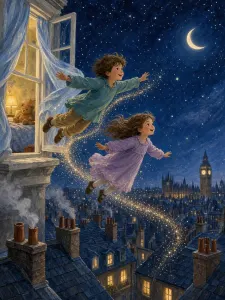
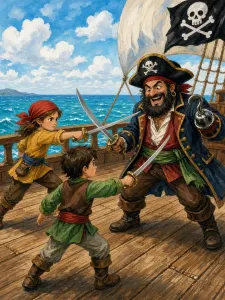
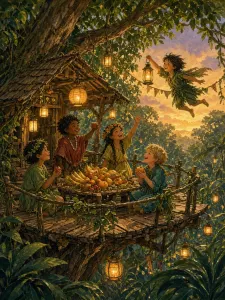
The text on the second page gives you a sense of the writing: “At first, Rose flew with wobbly elbows, twisty knees, and a most undignified squeak.” That line is the difference between a story written for a child and a template with a name in it.
6. What you get
You can read the book on screen, where the pages turn like a real picture book, or have it read aloud. You can download it as a PDF, send the family a link, order a printed copy, or join several books into one longer one.
What to check when it’s done
Page through the whole thing before you share it. Look at the face on every page, the clothes, the number of people in each scene. AI illustration is very good now, but it is still worth a proper look, especially before paying for a print.
And the photo afterwards?
Photos are used only to draw your book. They’re sent to the AI service that does the drawing, and they’re never sold, used for advertising or used to train models. A photo uploaded for a single book is deleted as soon as the book is ready. If you save a character so you don’t have to upload again, the photo stays with that character until you delete it. Our privacy checklist explains what to look for with any service.
If you want to try it, the how it works page on iaminthestory.com has the same steps with screenshots, and new accounts get enough free credits for a short first book.
Frequently asked questions
How many photos do I need?
One clear photo of the face works. Two or three front-facing photos in good light usually give a closer likeness. On I Am In The Story you can upload up to four.
Is it drawn by a person or by AI?
By AI image models, guided by the story. That is what makes it possible to draw every page for one particular child in a few minutes and at a low price.
What happens if the book fails?
On I Am In The Story, if a book can't be completed, the credits it cost go back into your account automatically.
Pick a fairy tale, add your child
Classic stories children already know by name — each one retold with your child on every page.
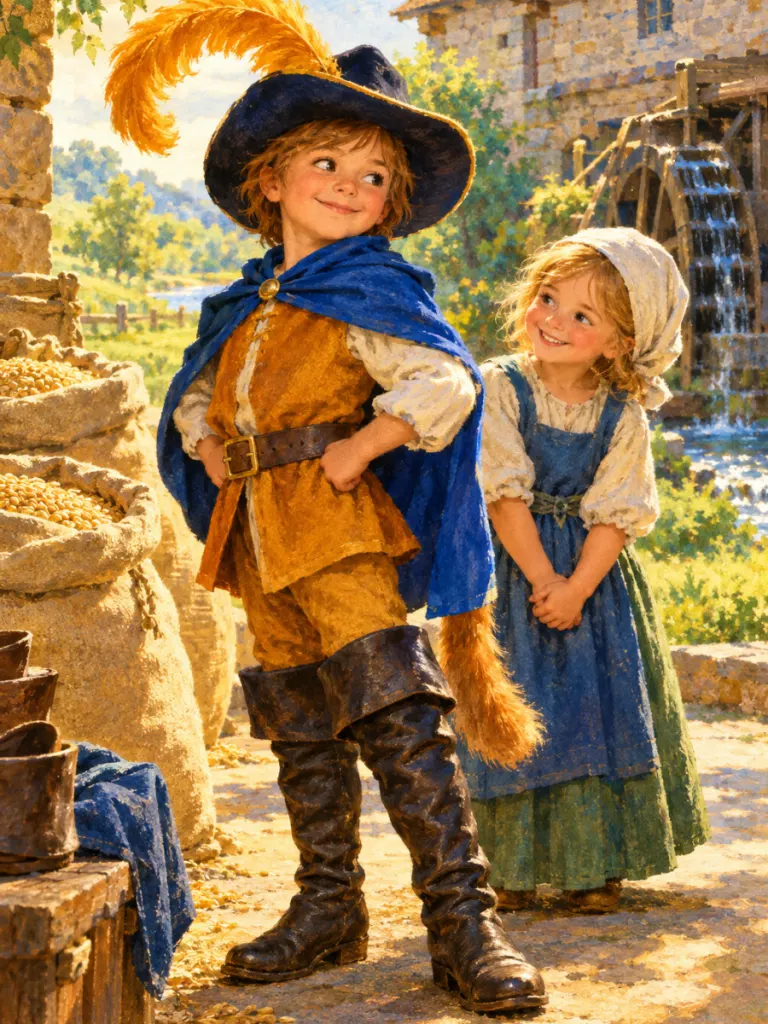
Puss in Boots
Tiny boots, big bravery, royal surprises
Make this book with your child →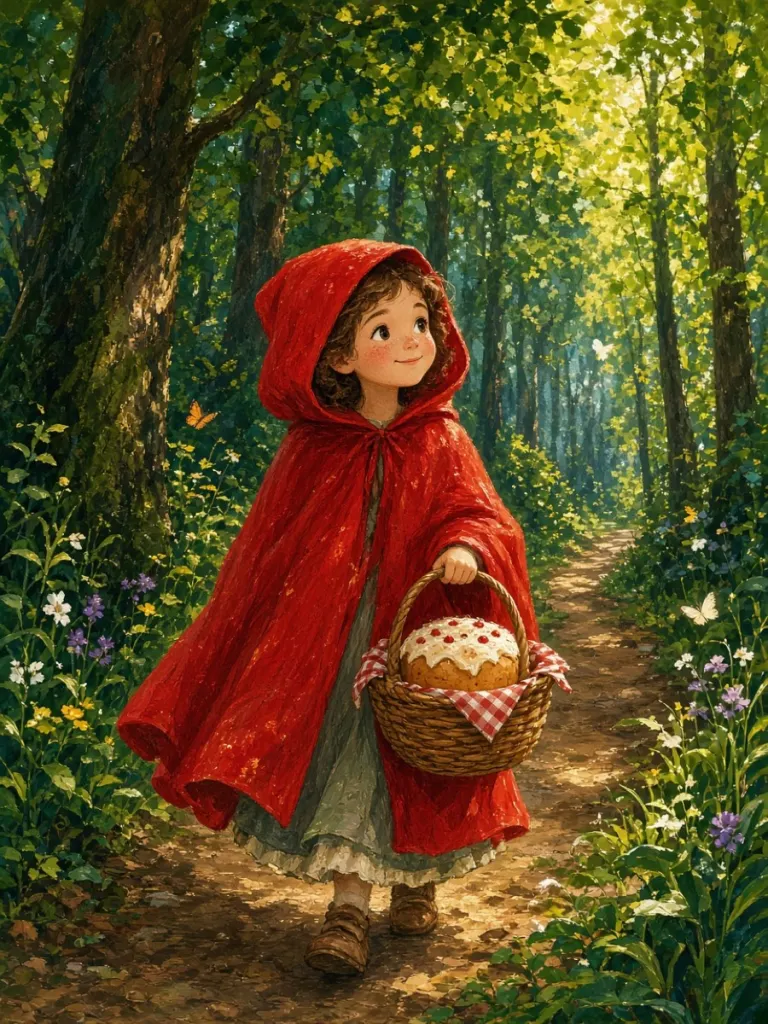
Little Red Riding Hood
Through the woods to grandmother's house
Make this book with your child →